|
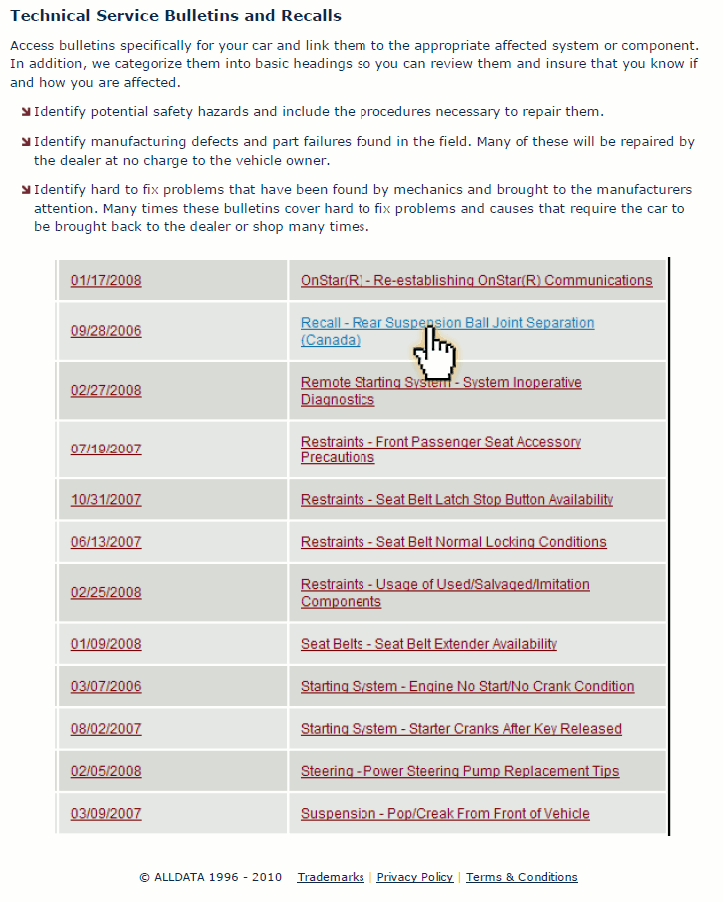
Technical Service Bulletins


-- Customer Interest
-- Superceded Bulletins
-- Bulletins by Category and Symptom
-- Chemicals,Additives
-- TSBs Listed by Symptom
-- Labor/Parts Updates
-- All Technical Service Bulletins
-- Seals, Gaskets
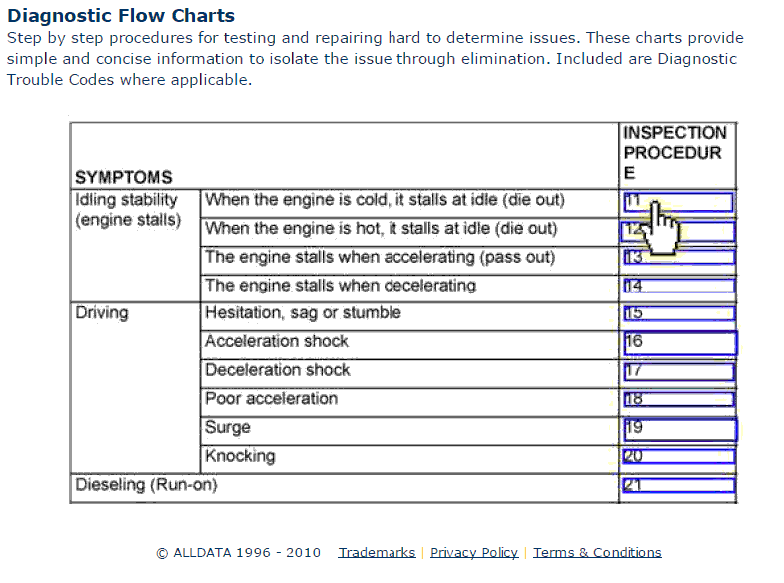
Diagnostic Trouble Codes
-- Traction Control Codes
-- Manufacturer Codes
-- P, U, B Codes
-- About Trouble Code Numbering
-- Air Bag Codes
-- Engine Controls Codes
-- Transmission Codes
-- Antilock Brake Codes
Diagrams
-- Mechanical Diagrams
-- Connector Views
-- Diagnostic Aids
-- Connectors
-- Components
-- Splices
-- Grounds
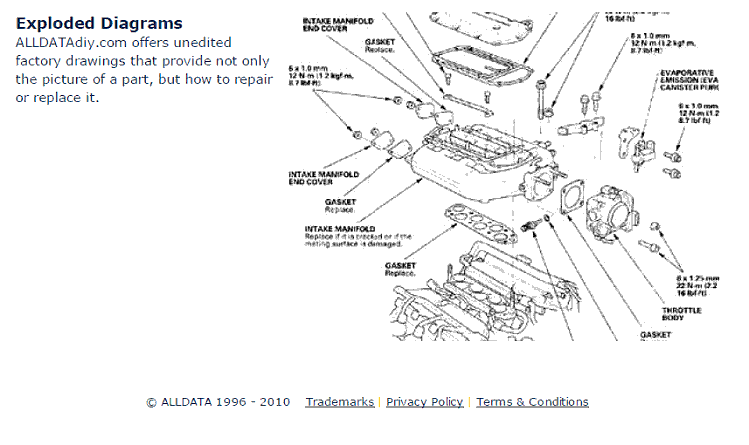
-- Exploded Views
-- Harness
-- Fluid Diagrams
-- Vacuum and Vapor Hose Diagrams
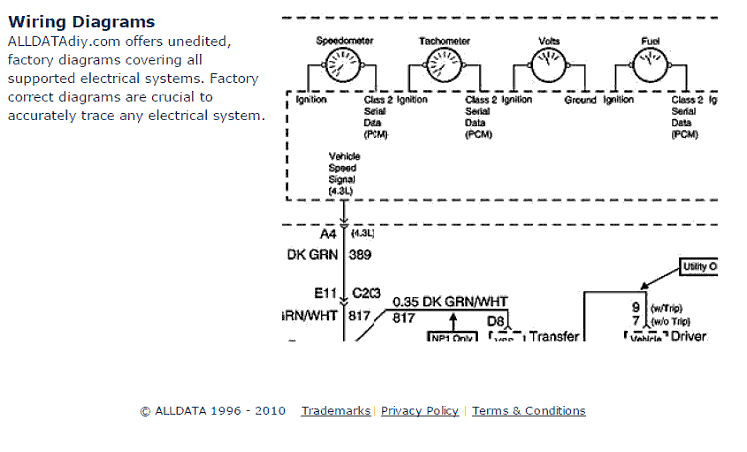
-- Wiring Diagrams
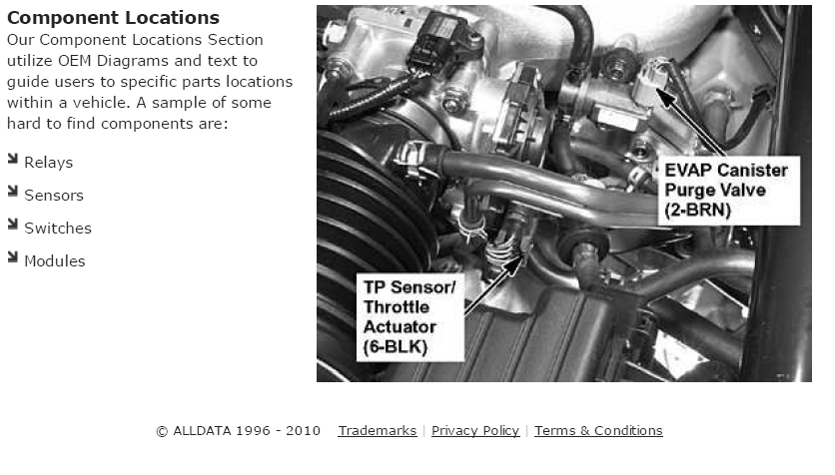
Component Locations
-- Harness Locations
-- Ground Locations
-- Splice Locations
-- Connector Locations
Factory Specifications
-- Mechanical Specifications
-- Pressure, Vacuum and Temperature Specifications
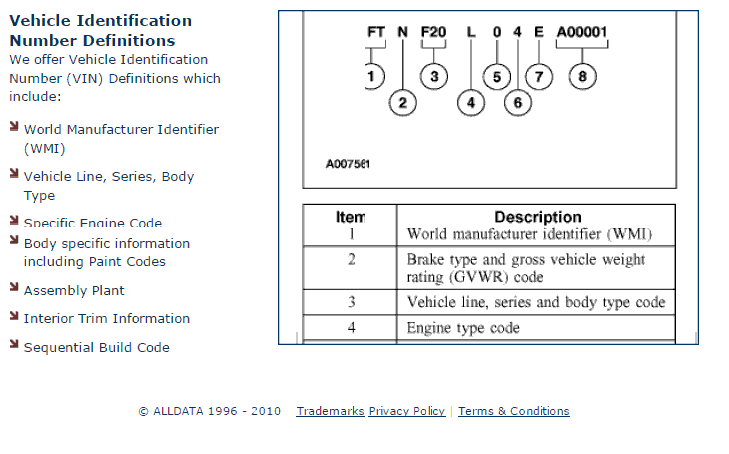
-- VIN Definitions
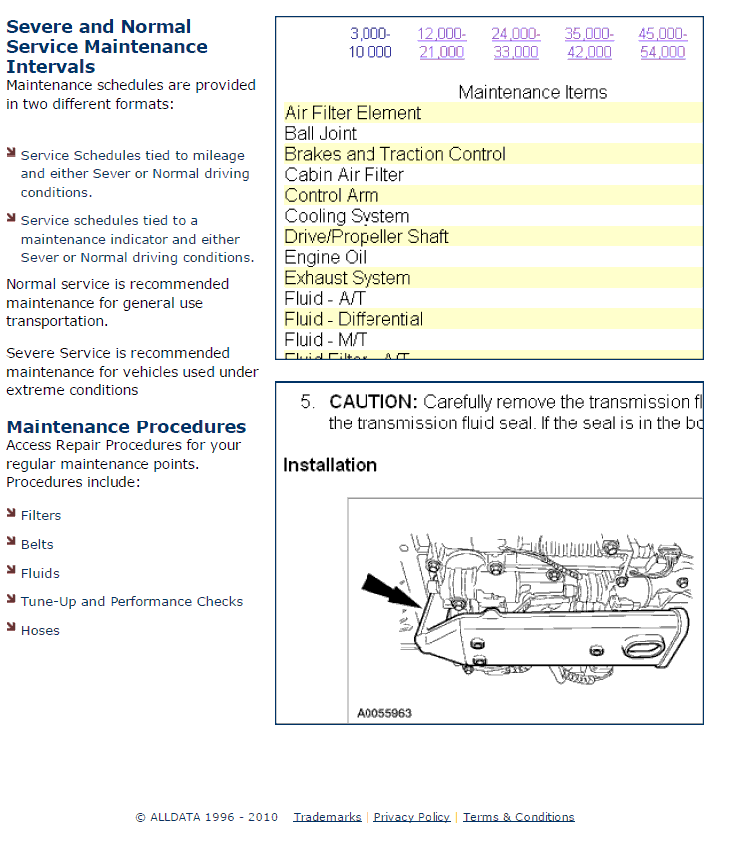
-- Maintenance Schedules & Procedures
-- Capacity Specifications
-- Fluid Type Specifications
-- Electrical Specifications
|
Top -
Vehicle
 System System
Component
The path to the chosen component is displayed as well as quick links to all of the detailed technical information related to the selected component, for example:
-- Service Precautions
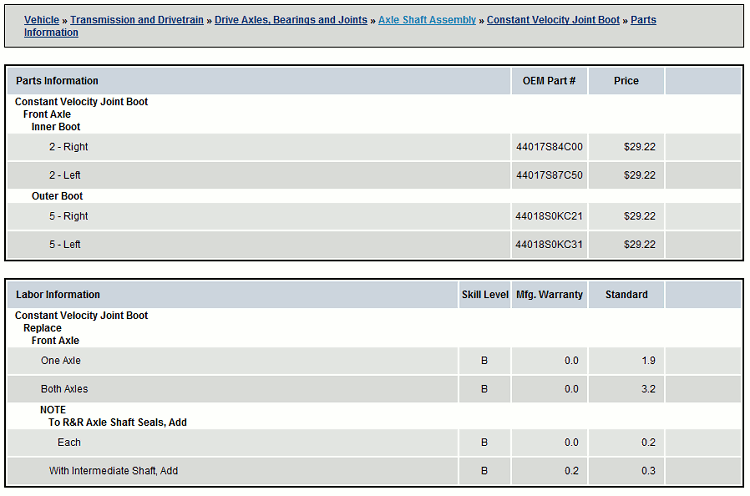
-- OEM Parts and Labor Estimates
-- Technical Service Bulletins
-- Specifications
-- Part Explosion Diagrams
-- Component Locations
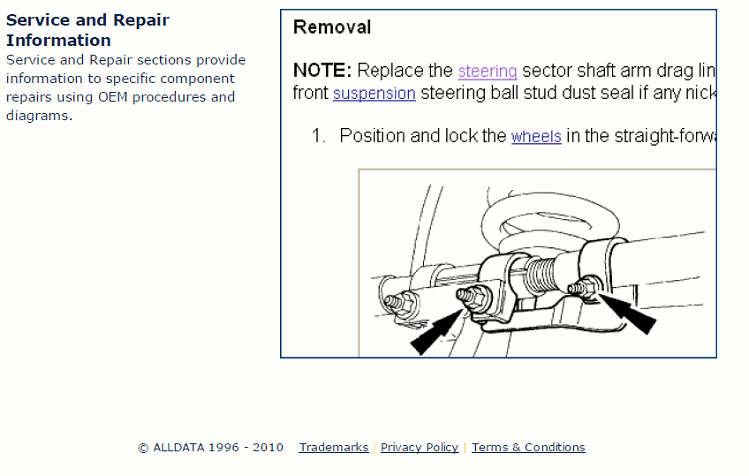
-- Service and Repair Procedures
Vehicle Components by Subsystem
-- Horns & Lighting
--
Instrument Panel, Warning Indicators and Gauges
-- Cooling System
-- Traction Control and Brakes
-- Washer Systems & Wipers
-- Cruise Control
-- Restraint Systems
-- Charging & Starting
-- Exhaust System
-- Frame & Body
-- A L L Diagnostic Trouble Codes
-- Drivetrain and Transmission
-- Suspension & Steering
-- Accessories and Optional Equipment
-- Maintenance
-- Power & Ground Distribution
-- Engine
-- Sensors & Switches
-- Relays & Modules
-- Powertrain Management
-- Air Conditioning & Heating
-- Glass & Windows
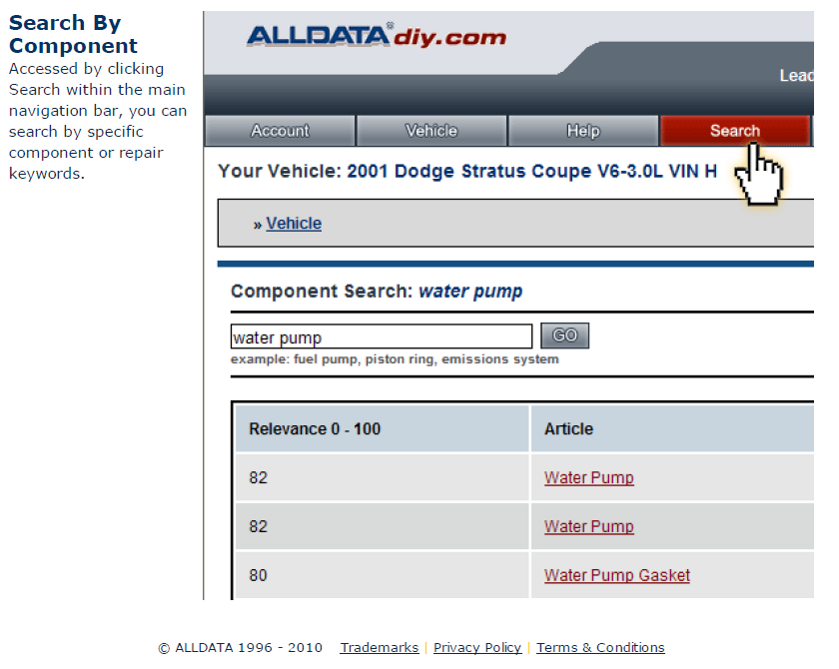
Component Search
-- Find All of the Subsystem Data with Just a Click
Factory Recalls
-- General Recalls
-- Safety Recalls
|

 icons to see some screen shots.